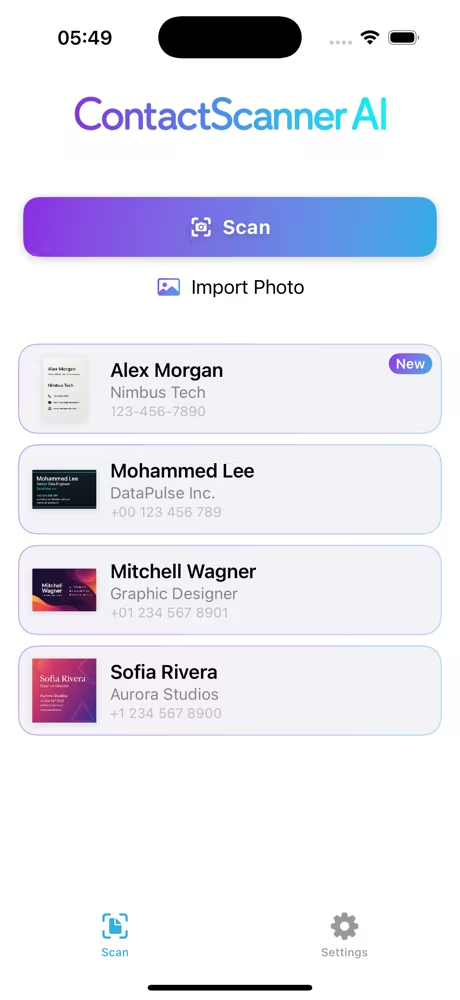
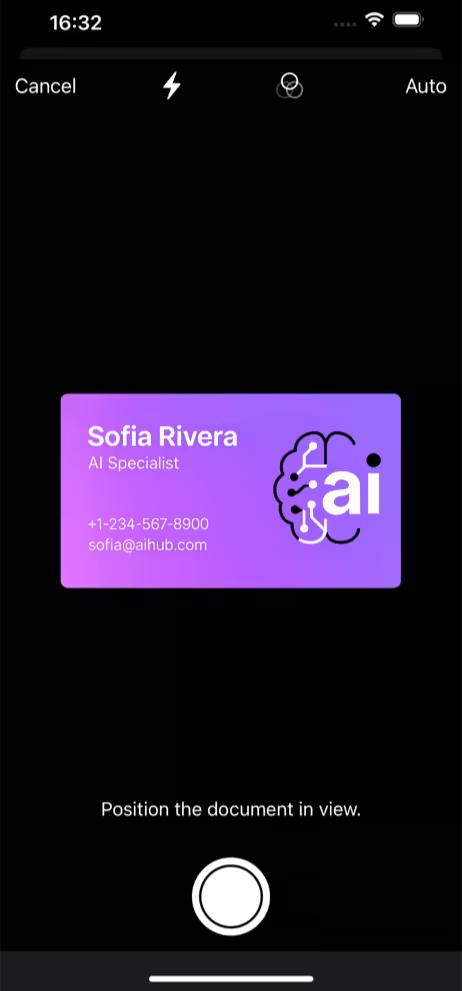
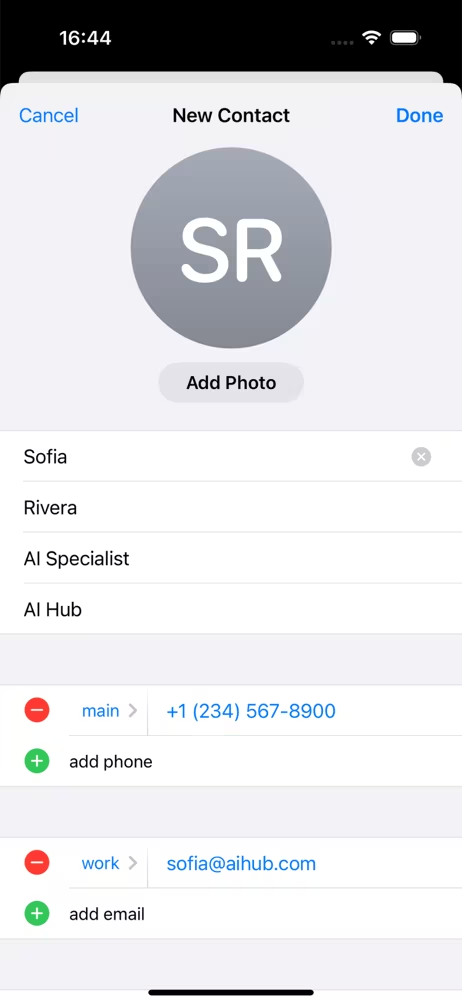


Three simple steps to digitize any contact
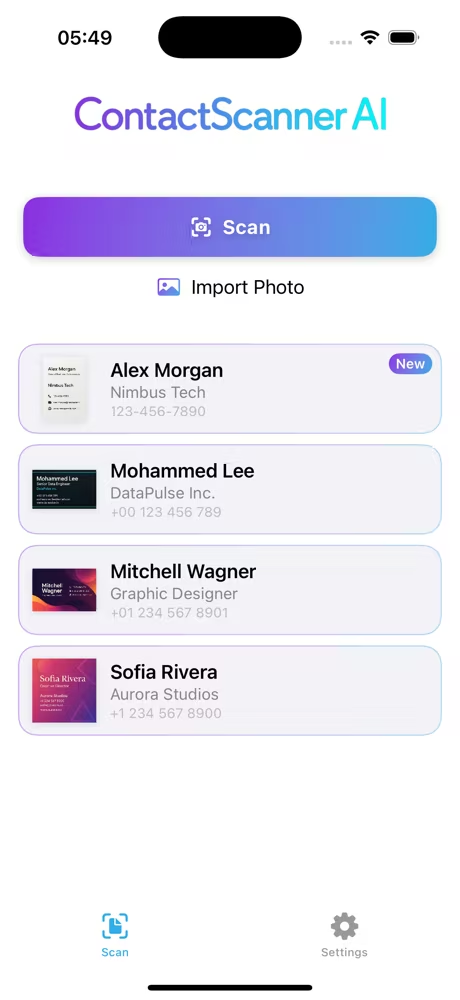
Open the app, take a photo or import from your gallery.
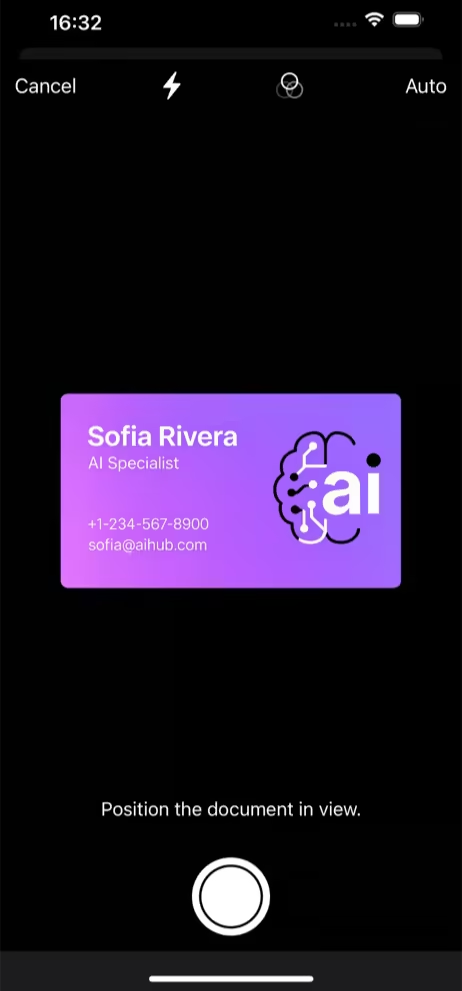
AI finds contact details and fills the fields for you.
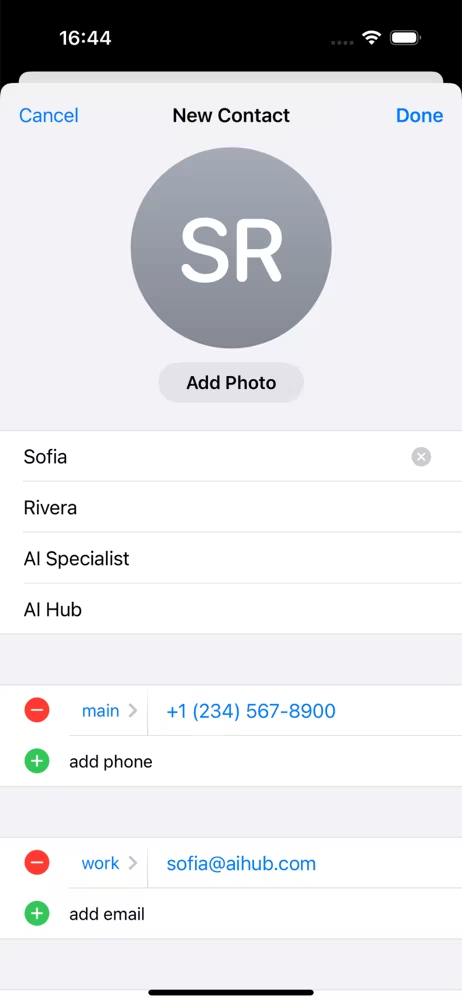
Review and save to your contacts app.
Works with business cards, email signatures, badges, posters, screens, documents.
Business cards, badges, screens. If contact details are visible, we'll extract them.
AI eliminates typos and saves time. No manual typing errors.
Download and start scanning immediately. No registration required.
Clean, structured contacts that sync naturally with your phone and CRM process.
ContactScanner AI supports both: you can scan live with your camera or import existing photos and screenshots from your gallery.
Yes. You can test scans first and validate extraction quality on your real cards before deciding on a plan.
Yes. Teams in real estate, insurance, and consulting use ContactScanner AI because it captures contact details quickly from cards, badges, and printed materials while on-site.
After extraction, you can review the contact and add context notes immediately, so follow-ups stay organized.
ContactScanner AI is optimized for real-world captures and can extract structured contact data from imperfect photos better than manual typing workflows.
ContactScanner AI is built for high-volume scanning: capture, import, review, and save contacts fast to keep trade show leads moving.
Import card photos from your camera roll, let AI parse name, email, phone, and address fields, then save them as a clean contact record.
ContactScanner AI gives teams one repeatable workflow for capture, extraction, and review so everyone stores contact data in the same format.
Use gallery import or camera capture, scan cards in sequence, and let AI auto-fill contact fields instead of entering details by hand.
ContactScanner AI uses OCR plus AI extraction to improve accuracy on hard-to-read cards, including glossy designs and mixed layouts.
Consultants choose ContactScanner AI for quick capture, dependable extraction, and immediate contact saving between client meetings.
You can capture offline; extraction requires an internet connection and will continue when you're back online.
iPhone with iOS 18.5 or later.
Please see our Privacy Policy.